Mitel SuperSet Call Forwarding
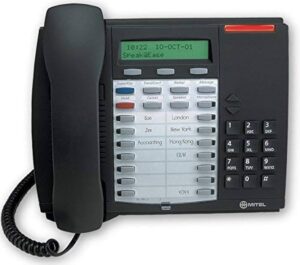
To set up call forwarding on a Mitel Superset phone, you’ll generally.
1. Use the “SUPERKEY” (Blue/Grey Key) and then navigate through the menus to select “Call Forwarding”.
2. From there, you can choose the type of forwarding (e.g., Always, Busy, No Answer) and enter the destination number.
3. To turn it on or off, you may need to use a dedicated “Call Forward” key or repeat the programming steps and toggle the setting.
Search